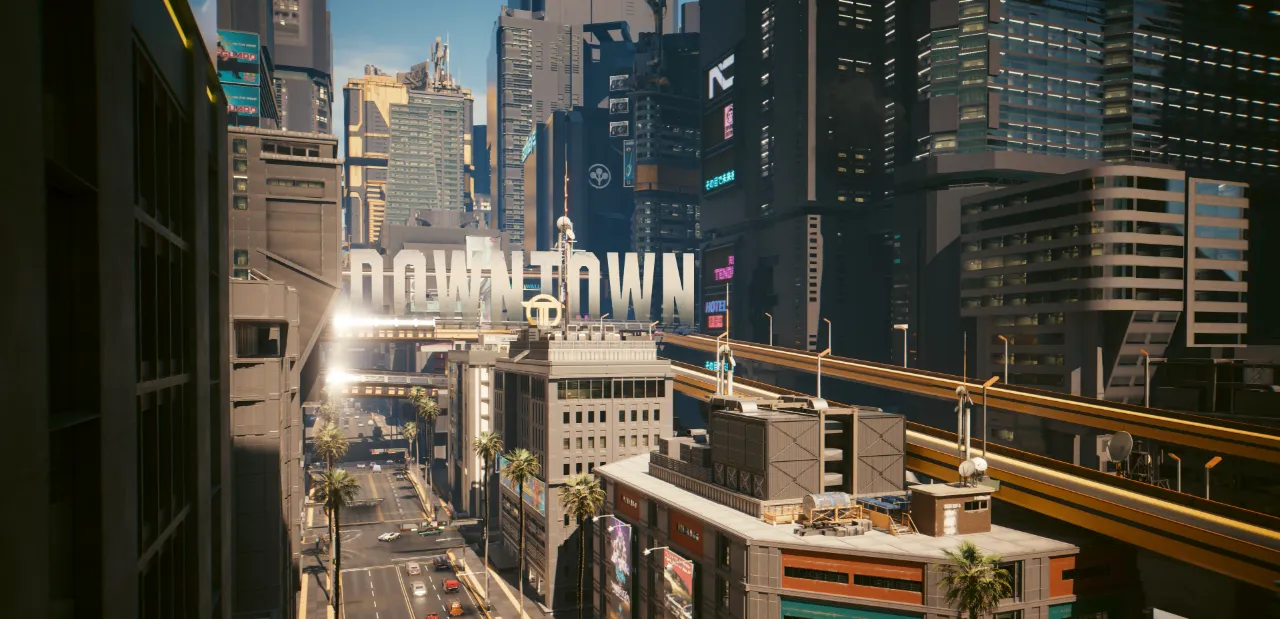
Everything you need for your first evening in Night City is here: how to join the server, where you appear, what the city gives you at the start and which keys you'll need right away. If you're new to the server, read the pages in order, from installation to the interface.
In this section
01Install and joinWhat you need to play on Neonesis RP, and how to download the launcher, sign in with Steam, GOG or Epic Games, install and start playing.
02Won't startThe usual reasons why the launcher doesn't start the game or the game doesn't open, and what to do in each case.
03First stepsThe five districts you can start in, what the city gives a newcomer and what to do in your first hour in Night City.
04QuestsThe first chapter in each district, the phone from a stash and the story “Someone else's number”: how the quests work, where to see the current step and what comes in handy along the way.
05GrowthWhat your character's level gives after level 10: the city ladder with a reward on every level, titles and passport frames, achievements and where XP comes from.
06Hall of fameWho gets the “Open test” title and frame, who made it into the open test's hall of fame, where to see it and what it holds.
07ControlsEvery Neonesis RP key: windows, phone, voice, the interaction menu, cars, weapons and emotes.
08Key settingsHow to change the Neonesis keys, what happens when a key is already taken, which keys can't be changed and how the on-screen key hints work.
09Character and nameCharacters on your account, name rules, changing your name, your character number, level and XP.
10Promo codesWhere to enter a promo code: when you make a character, with /promo or on the “Character” tab. What a code gives, how many times it can be activated and how invitation codes work.
11InterfaceWhat the screen shows, the main window's tabs and what you can change in the settings.
12CrosshairHide the game's crosshair and put up your own: its shape, color, sizes, outline and shadow, when it shows, ready-made presets and your own.